Odd lag stutter behavior on a developed world, is it a stress test?

5 days ago

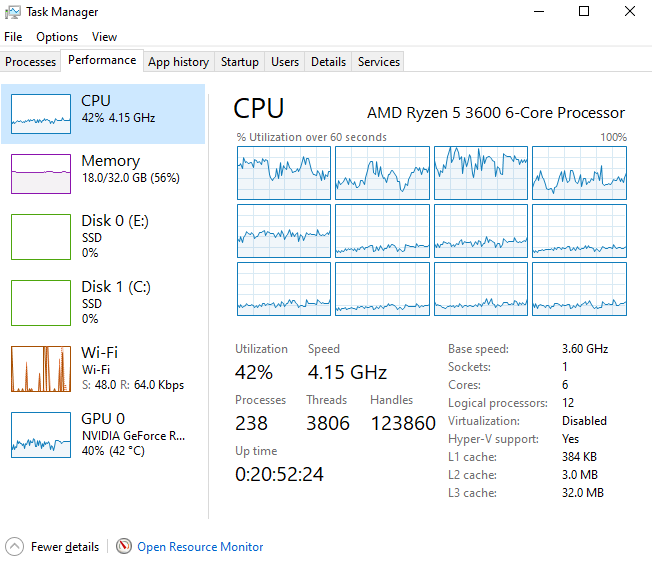
Hi! I've got a strange lag spike for you. Oddly enough, the game stuttering corresponds with the dips in both CPU and GPU load, and I checked, not one of the 12 logical cores of my 6-core Ryzen 5 3600 was showing peaks- they all matched the dip of the general graph. Maybe it's a stress test situation for something or another...? The stuttering is intermittent, but also irregular. Pretty sure it's not the autosave feature, since only one of those has happened since I loaded this world tonight, and the stuttering happened twice in that same window. I will note I've also experienced the stutter when resolving railroad bottlenecks (often caused by trains getting stuck at that one station, or a shipment to the fueling station, those tend to block the entire shed...), is it somehow related to the 40 trains I have running around 22 cargo stations via 3 parallel networks?
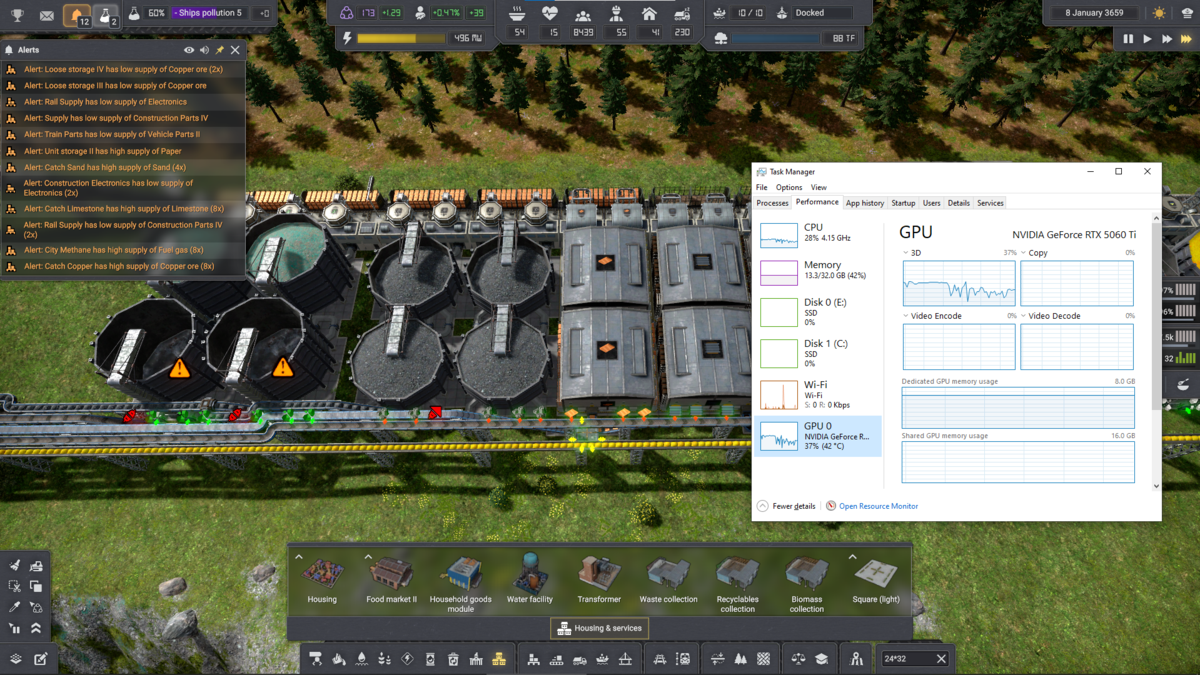
image.png

And of course, I know you're going to need the save file, so it's attached, saved as pictured. It's the same world as my last report, with the trains getting stuck, but rather much further along... by a margin of 200 years. I've also included the immediately preceding autosave, which happened when the copper train before this one pulled into the station pictured- a margin of roughly 1.5 years. That's in case the stutter is related to the stations filling up after I just started the new, 768-per-month dockside copper smeltery. And its voracious appetite for ore, though train loading of ore will be limited to just 450 per month, since I only used one belt... and even less, once the mine reserve runs out and/or all the copper storages fill up. Two belts of plates, though, so the trains have access to the full, 768-monthly load, though this is the only client station and it'll only call for one train at a time.

Oh! Before I forget:

Update 4.1 | v0.8.4 (b587)
Edited 5 days ago
1 attachment only for registered users
5 days ago

Hmm... Reviewing resource usage, I suppose it's at least remotely possible it's overhead from texture streaming to GPU memory from my NVME C: drive... would that show up on the disk usage graph? Or in the game's log files?

2 attachments only for board moderators
5 days ago

... Just resolved one of those train bottlenecks that had backed up across the whole factory. Lotsa stutter as the trains started moving again, it's pretty obvious on the GPU graph. Will note the CPU graphs usually look like this in normal play.

image.png

5 days ago

If my guess is right about it being related to the trains... a significant backup and sudden release is easily reproduceable, just pause a train in the dockyard station, the one that does 4 cars at a time (and has diesel). It's an extremely busy station, and will back up very fast, clear up to the shed at the far end of the network, in sometimes just minutes. Wait until it's backed up at least to the shed, possibly with several trains waiting to exit if you like, and unpause that one train. Or if one decides to get stuck "fueling" without actually onboarding fuel (what the other report is about...), that's like an auto-pause, Unity-refuel or cancel the job, either one works.

3 days ago

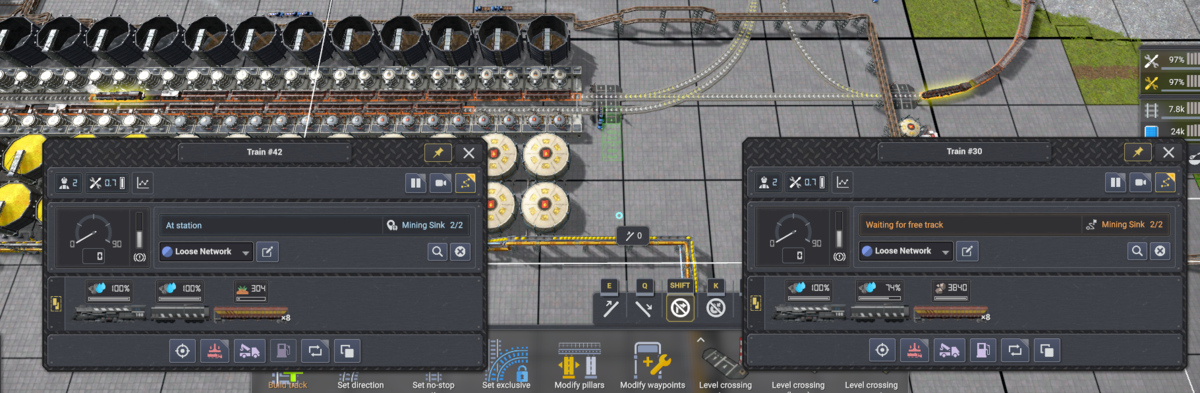
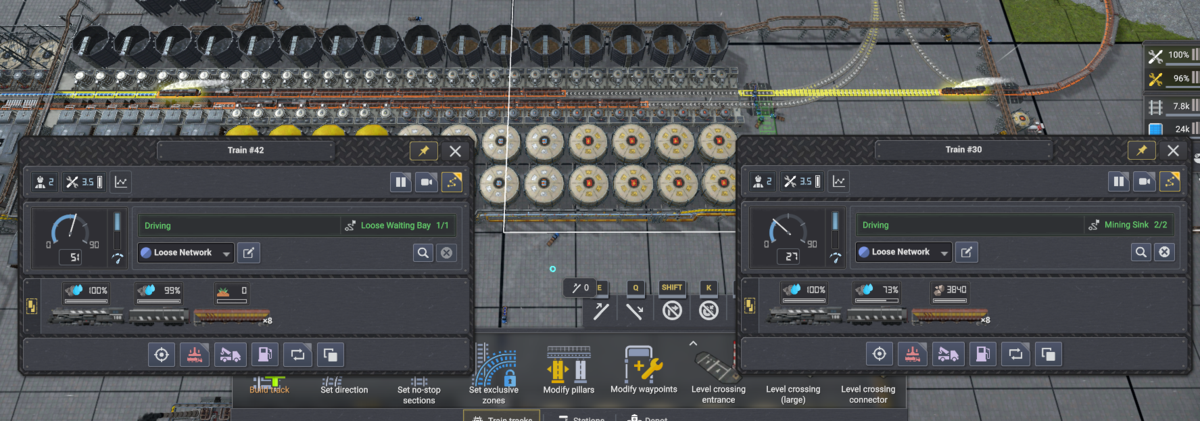
Lag seems to be strongest when there's a train waiting at this particular crossing, without regard for where there might be a backup. It also seems to let up the moment that train gets clearance to cross the two no-stopping grade crossings.

image.png

All trains are the same length. Here's a shot for a moment later, just after the lag cleared:

image.png

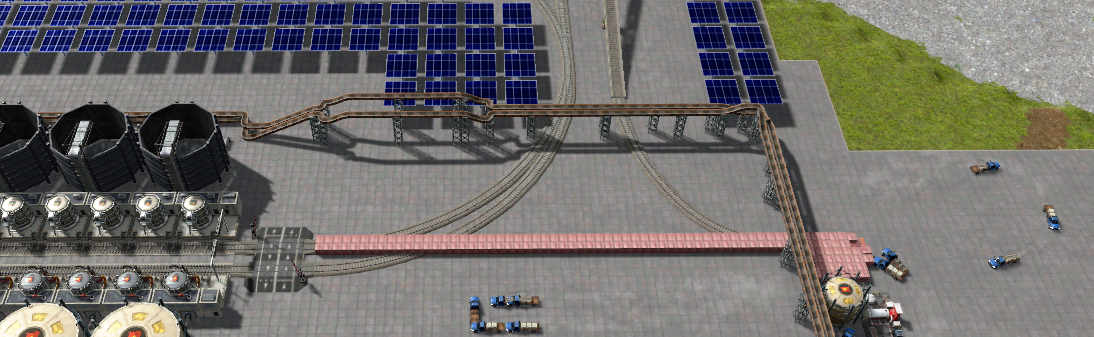
The rock train is going to the same station as the dirt train was just at, just one unloading position ahead, to the rock unloading position.

Attached save file in the first pictured position, captured only a couple seconds of 3x before the lag released (you can see in the photo, the dirt train is almost done unloading, lag cleared as soon as it finished...)

Captured on Update 4.1 | v0.8.4a (b588)

1 attachment only for registered users
3 days ago

... It might be because that turn up and back down between the two no-stop zones is a mainline entrance and return, through which the entire network is accessible- though if it did turn up, the fastest way back to the destination station would actually be to loop right back through the station it's exiting, and the next-fastest would be to travel to the far end of the network. It would get closer, though, as it'd only have the second no-stop to oppose.

Edited 3 days ago
2 days ago

I tested it and i wasn't able to reproduce the problem, i'll try again with your latest save.
Thanks for providing a detailed report.

1 day ago

You're welcome.

I imagine the latest save's lag can probably be perpetuated by pausing the dirt train before it finishes unloading, or one of the station modules (network trains don't seem to notice when those are paused). I did notice that, if there is a moving train on any of the intervening tracks, it doesn't lag at all- it only lags when the train is at the crossing, waiting for a stationary train to get out of its way. Doesn't seem to care what the other train is doing, only whether or not it is moving- makes me wonder if it's the pathing system trying to find an alternate route to get around a train that it can't possibly get around, on a network that's computationally expensive to explore.

Haven't had any lag (except the autosave spike, I suppose) ever since decommissioning & demolishing the station the rock train is exiting.

Edited 1 day ago
53 Showing 19 of 9
Log in to reply.