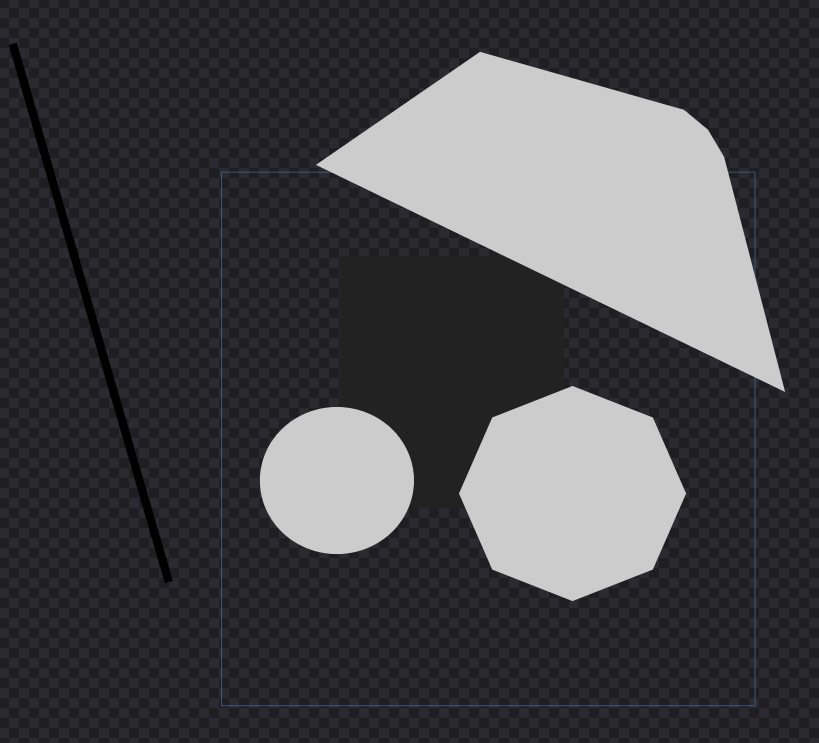
What the application does:
- The application can import SVG files with limited functions
- Can try to convert PNG to SVG
- Can open PNG as reference image - semitransparent
- Can have multiple layers that can be hidden for export
- Can export final SVG or PNG image
- Recently added Bezier curves
Release link: Release Icon Studio · DeznekCZ/COIM
How it looks:
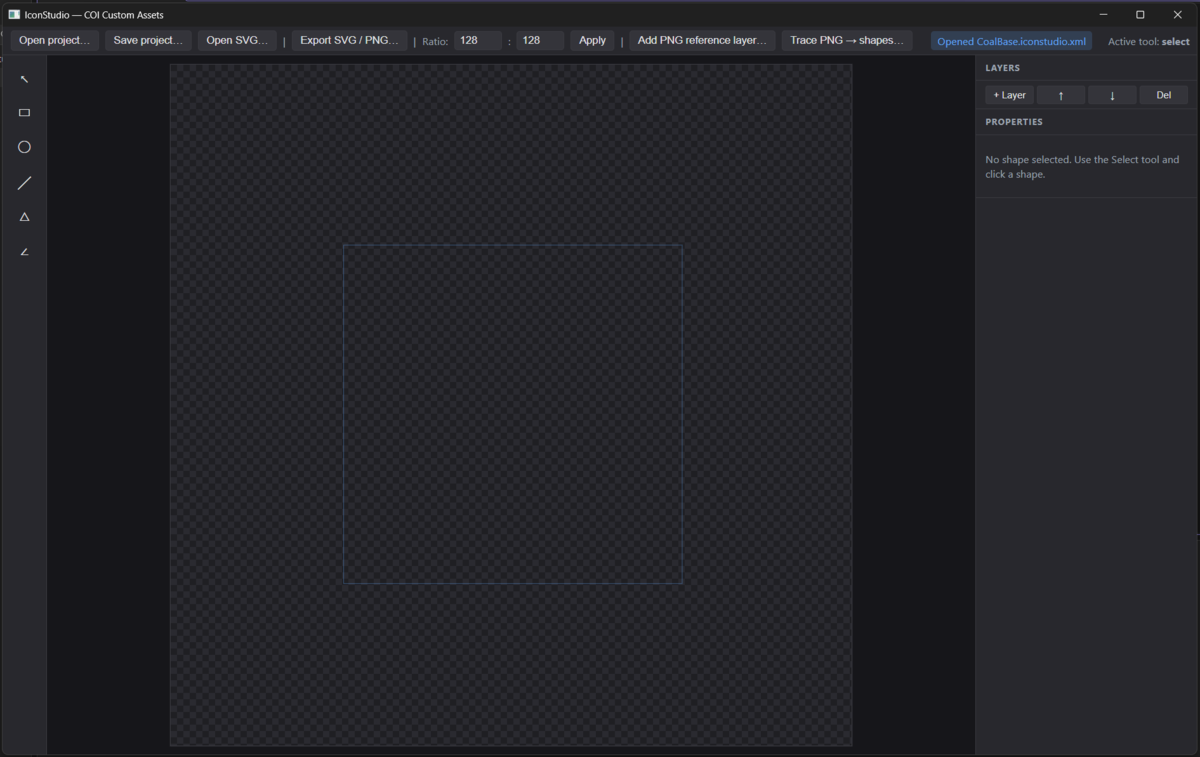
Buttons and details:

- Opens user saved file with images: *.iconstudio.xml
- Saves user created images to file *.iconstudio.xml
- Open window for import of existing SVG file
- Open window for export as SVG or PNG
- PNG:
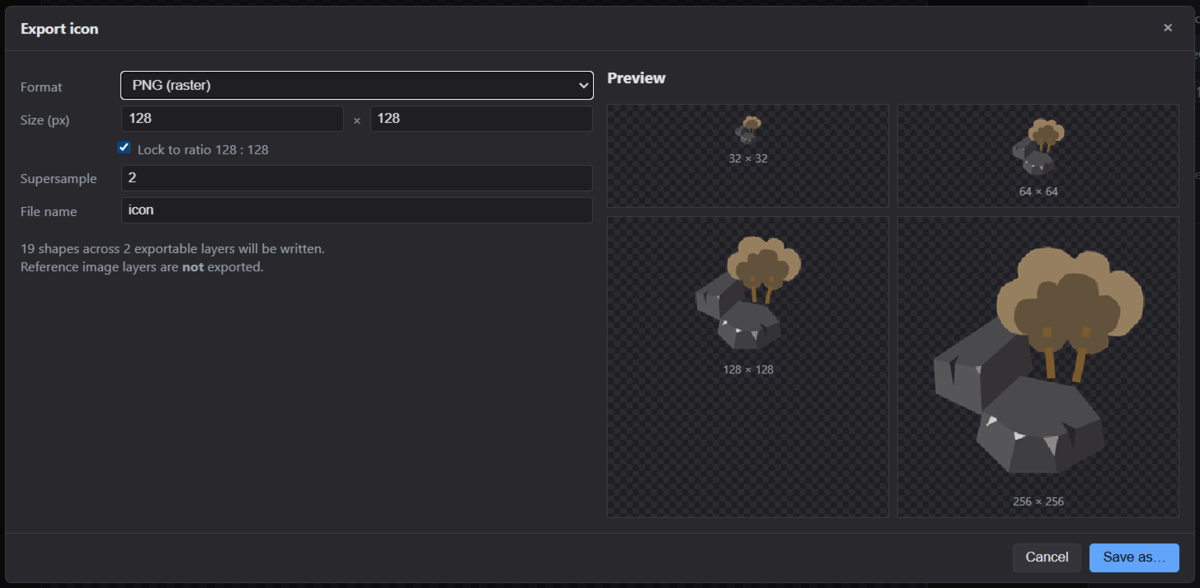
- SVG:
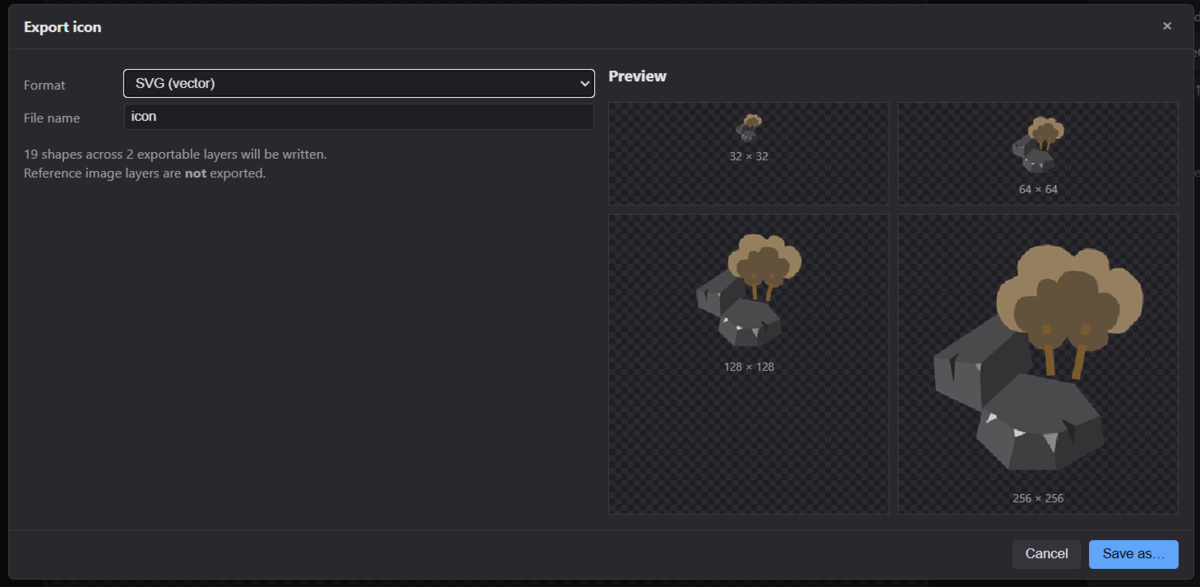
- PNG:
- Ratio: this setting is needed for configuration how proportional the image would be created, by default it is 1:1, but can be defined teoreticly in the final size of image or by the screen
- Add additional layer for easier drawing of image, is transparent and can be color picked
- Trace PNG (beta) - tries to convert PNG file and adds new layer with possible shapes that must be later edited
- Name of opened project file
- Selected tool from toolbar
Shapes
 Selection tool, allows to select and edit shapes on the drawing board
- Rectangle / Square - creates a square
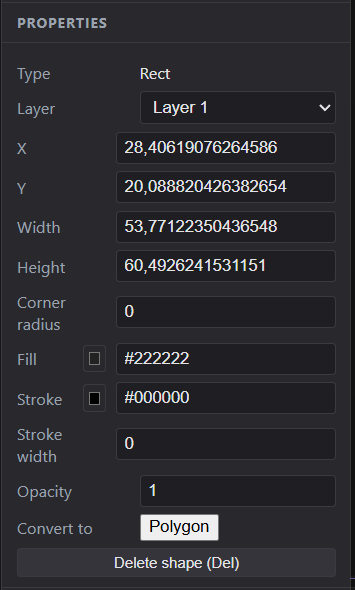
- Circle or Oval - creates a circle
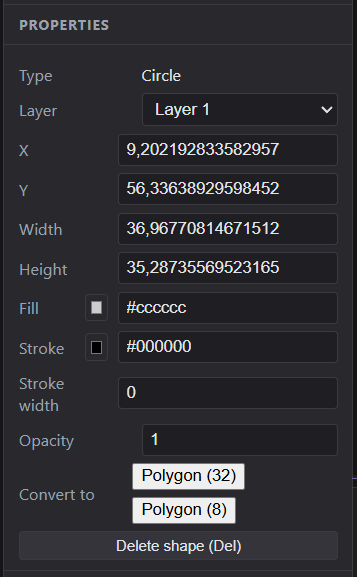
- Line
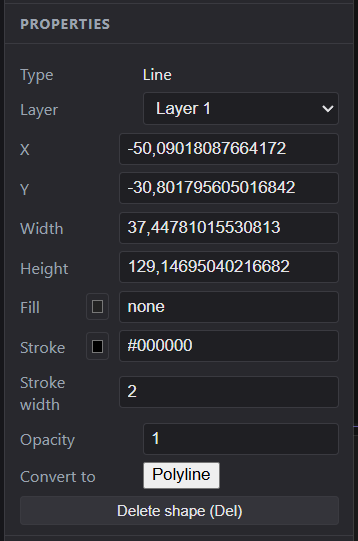
- Polygon
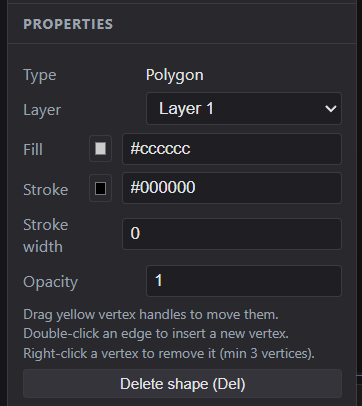
- Polyline - (does not work now)
TODOs:
- Add option to use gradient color backgrounds
- Add Bezier curve definition for points to make round shapes
- Fix polyline
- Optimize importing of PNG files